01
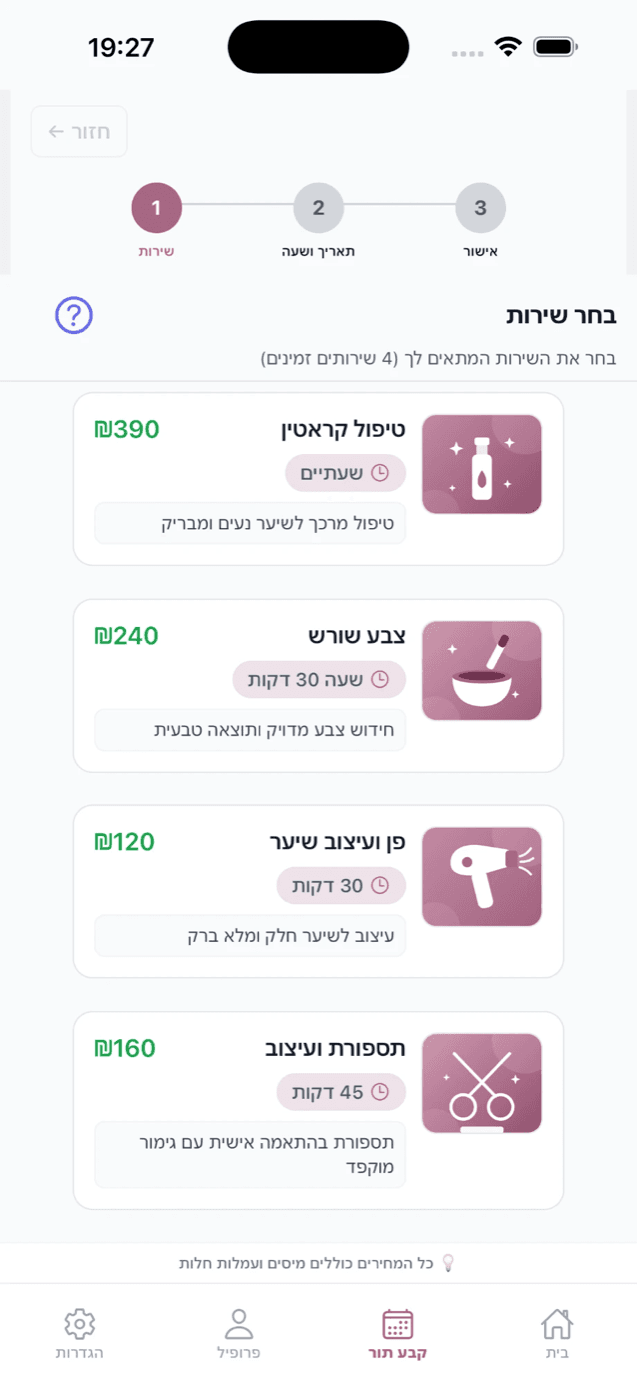
Find their service
Your services, prices and team in one place.
Let customers book their next visit while you focus on this one. Bring online booking, your team and the day’s schedule together with SlotCore.
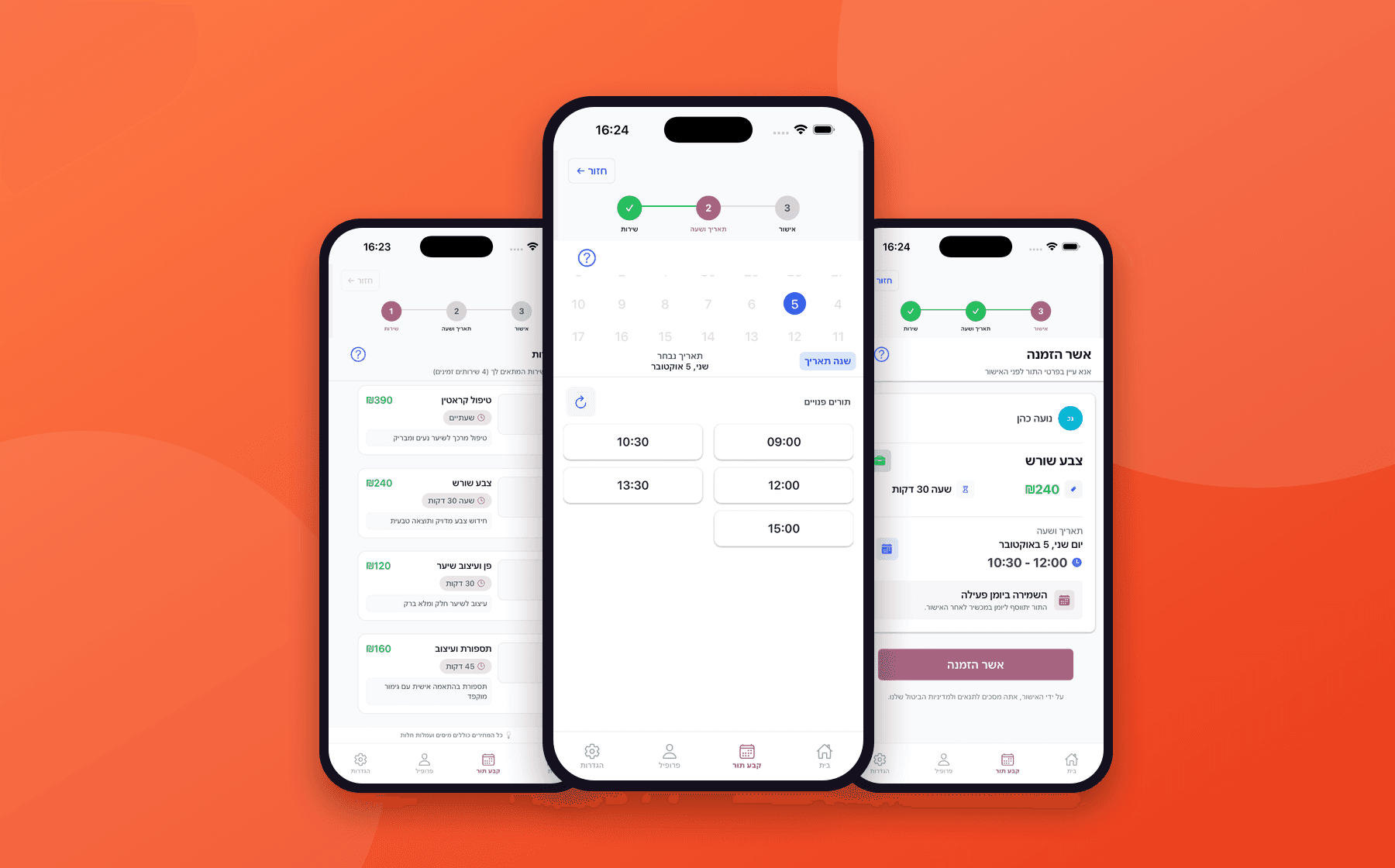
FROM YOUR LINK TO THEIR NEXT VISIT
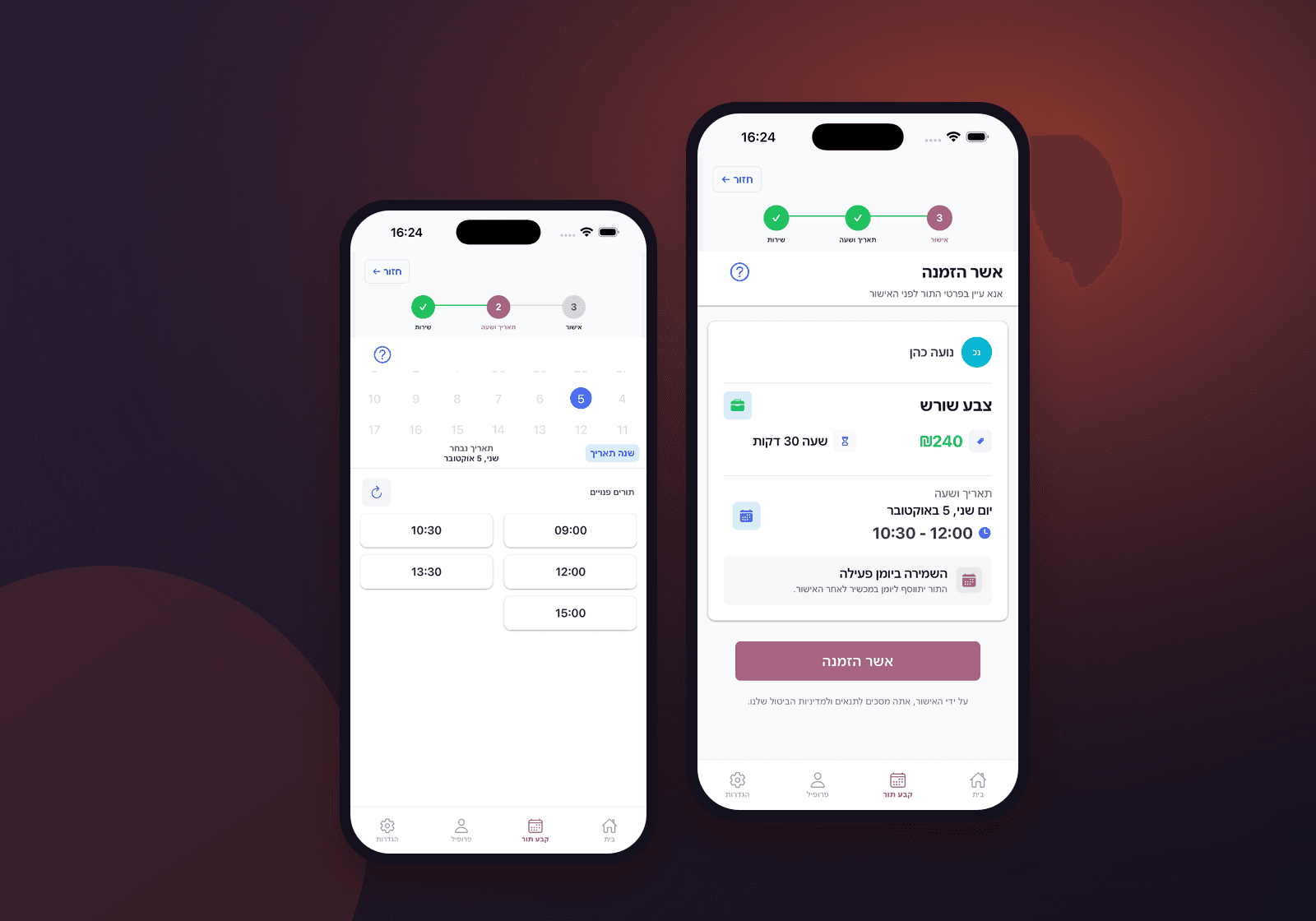
A look inside the customer booking experience. Illustrative product screens.
01
Your services, prices and team in one place.
02
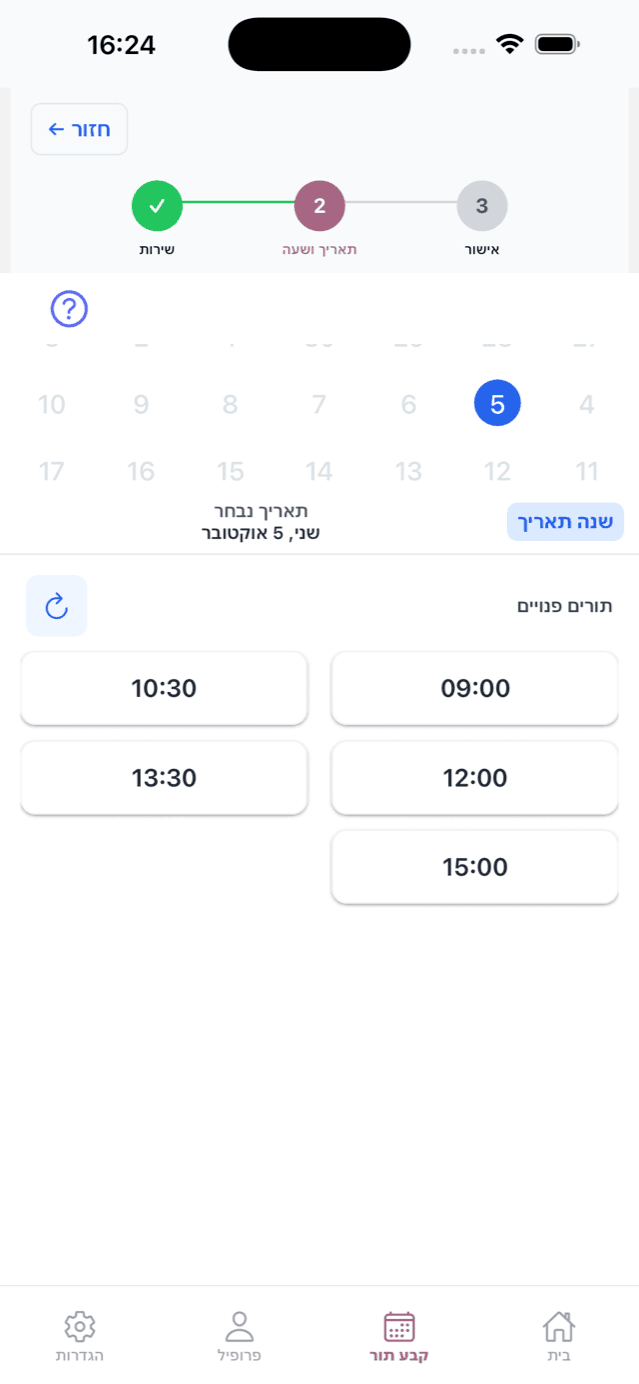
Live availability around your business hours.
03
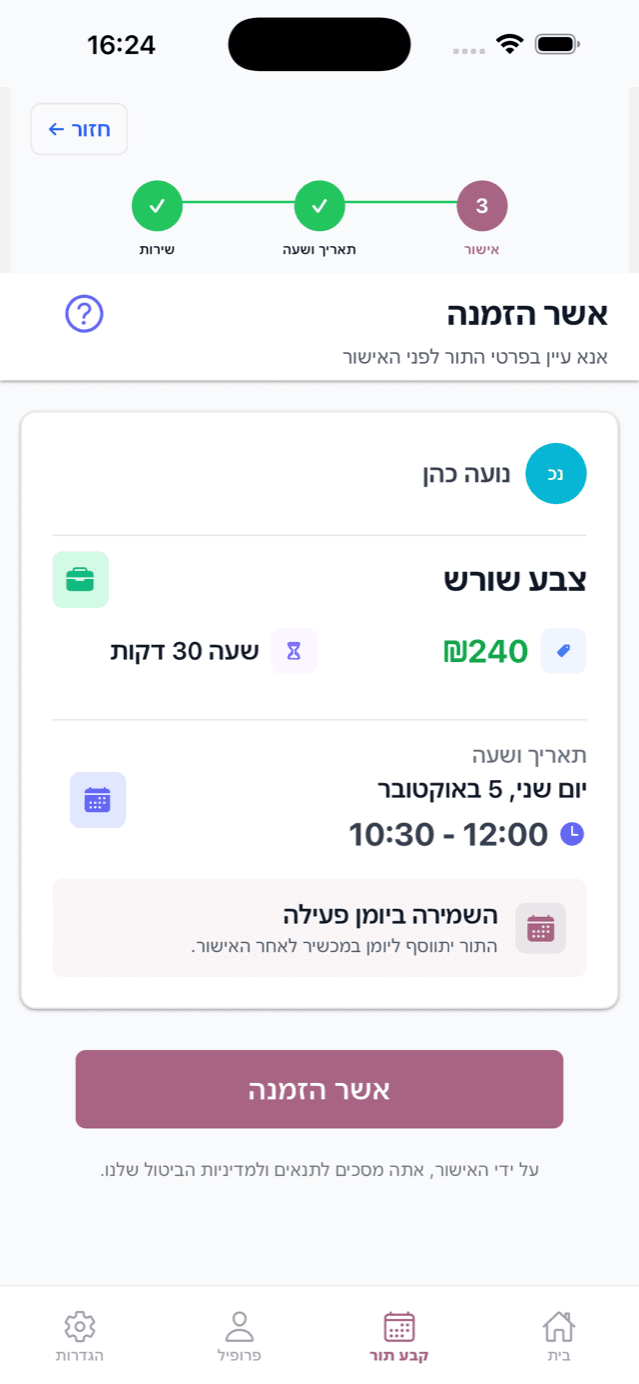
Clear appointment details, right in their pocket.
The full workflow behind every available slot.
Only show times that match the service duration, provider availability, working hours, breaks, and existing bookings.
Set each service's price and duration, assign providers, and let customers choose the right team member.
A customer app for booking and an admin app for running the day — iOS and Android.
See contact details, past and upcoming appointments, chosen services, and repeat visits in one profile.
Customers get a push notification the moment a booking is confirmed, moved, or cancelled, and owners hear about same-day bookings and cancellations.
Compare week and month activity, revenue, completions, and cancellations to see how the schedule performs.
Control the booking window, appointment gaps, weekly hours, breaks, closures, and one-off date exceptions.
After a booking, customers can add the appointment to their personal device calendar with the business details attached.
Small actions that stop calls, messages, empty slots, and spreadsheet work from piling up.
When a slot opens, Pro offers it to matching waitlist customers automatically and tracks the offer status.
Eligible customers can review, cancel, or change an appointment from the app instead of calling the business.
Give each team member bookable availability while the owner keeps a shared view of the whole calendar.
Publish the business logo, color, photos, contact details, social links, services, and opening hours.
Share a dedicated link or business code so customers land on the right profile without searching.
Export appointment data to Excel on every plan when you need an offline review or operational handoff.
Owners and staff connected to more than one business can switch context without creating another account.
Use tailored customer communication for the moments where the default booking text is not enough.
Start free, choose Starter for a solo schedule or Pro for a team.
Choose a planCustomers choose a service and an available time, without waiting for a reply.
Explore the productKeep the day moving with push updates and an automatic waitlist. The waitlist is included in Pro.
Find your planBring services, working hours and staff together as your business grows.
Talk about your business